CAD2BIMCAD to Revit Conversion
ArchiCAD • AutoCAD • IFC
ArchiCAD • AutoCAD • IFC
We convert your DWGs, DXFs, & ArchiCAD IFCs into native Revit elements at a fraction of the time and cost.
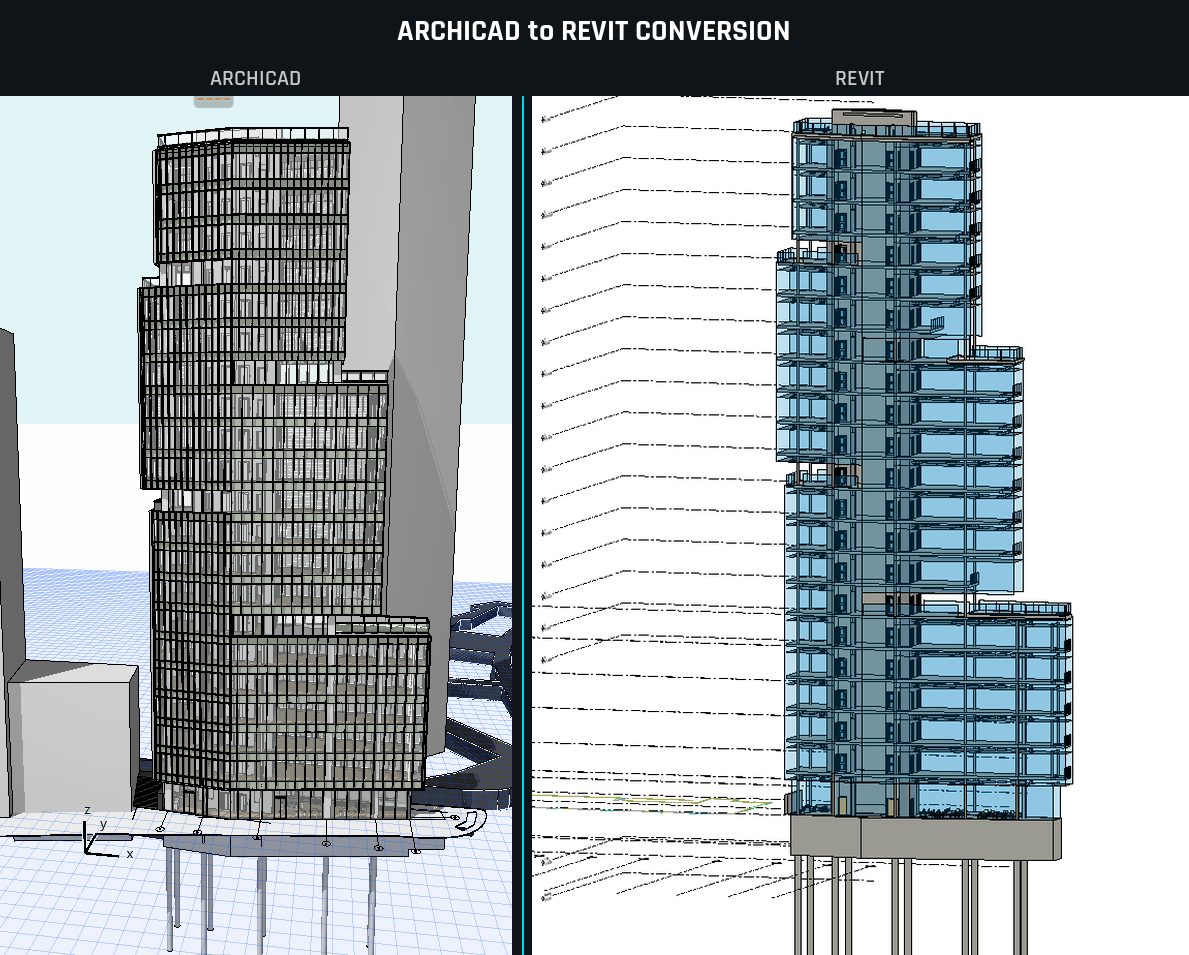
3,276 elements created • 0 skipped • 0 errors
678 walls, 241 ceilings, 209 doors, 147 columns, 71 floors, 27 grids,
39 furniture, 1,034 pipes, 293 ducts, 296 MEP fixtures
CAD-to-Revit conversion is one of the most time-consuming tasks in AEC. An experienced technician needs 15-20 hours per 1,000 square feet at LOD 300. A 50,000 SF building can take a team weeks of manual tracing, element placement, and type assignment.
ArchiCAD-to-Revit is even worse. IFC imports produce bulky, uneditable generic objects. Every wall, column, and beam has to be remodeled from scratch. The industry standard advice is to budget it as a full rebuild with 10-20% discount for having a 3D reference.
We built the automation to fix this.
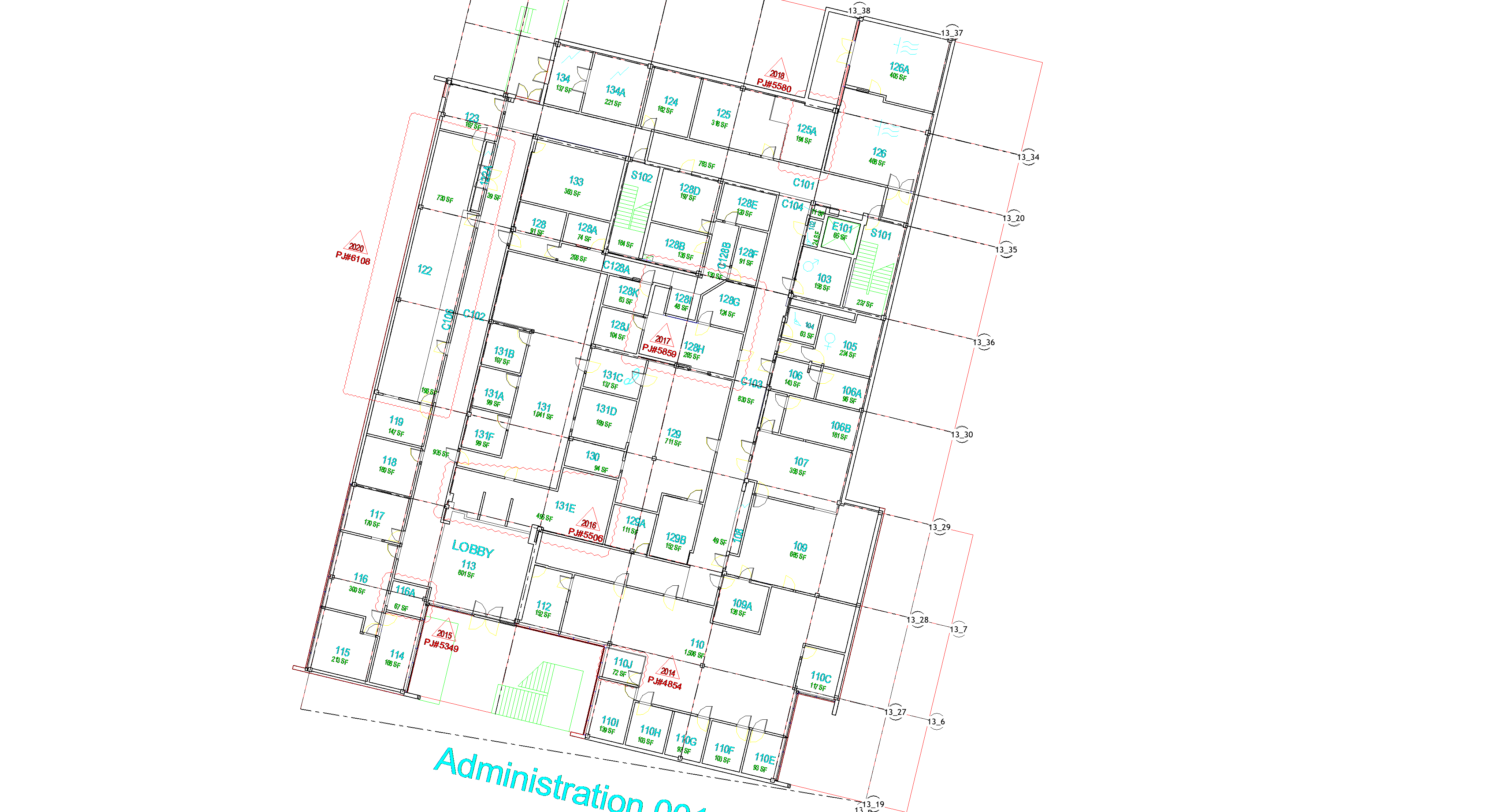
Your CAD File
✓ You receive a conversion plan and QA report before anything gets built
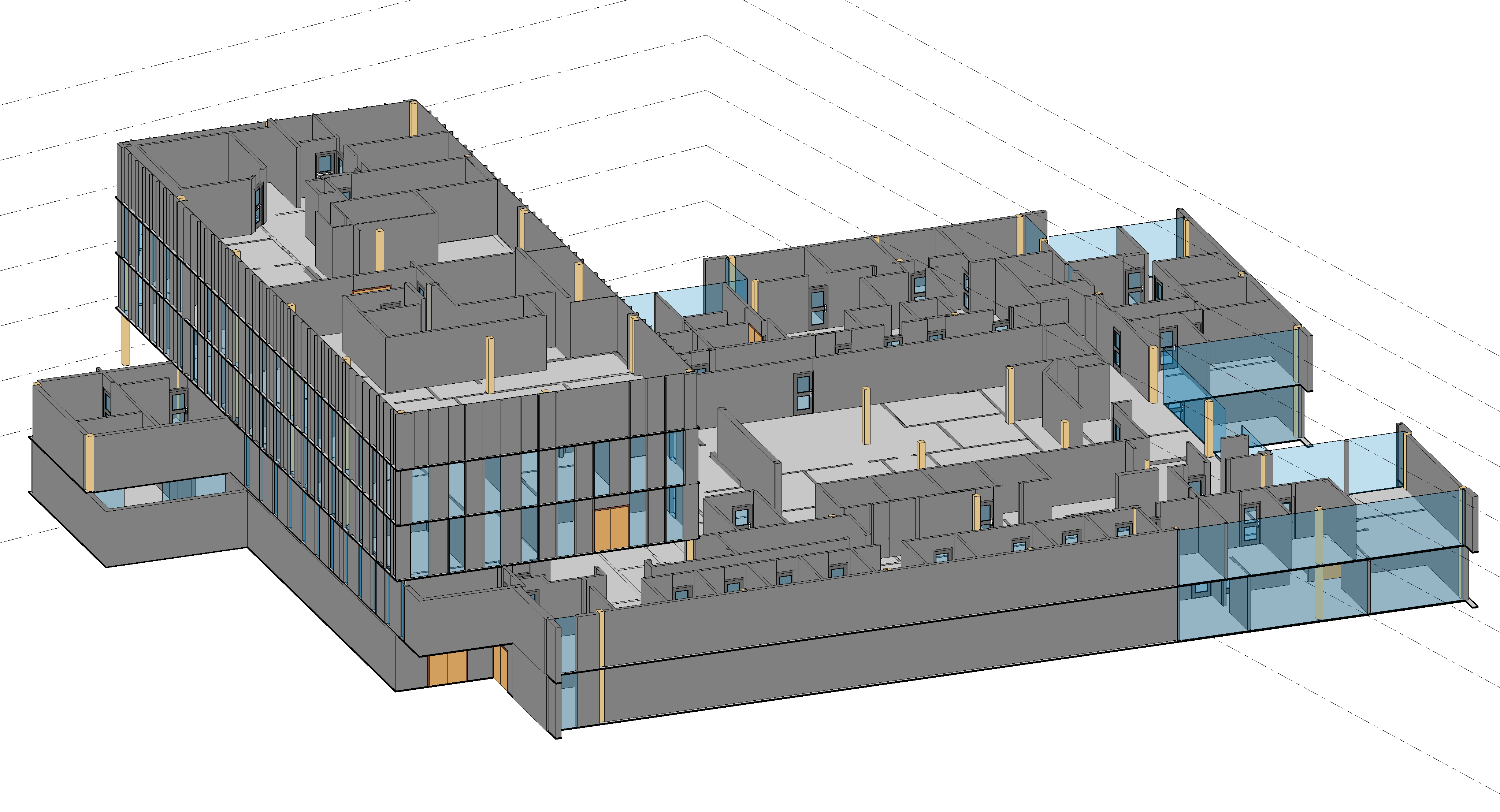
Your Revit Model
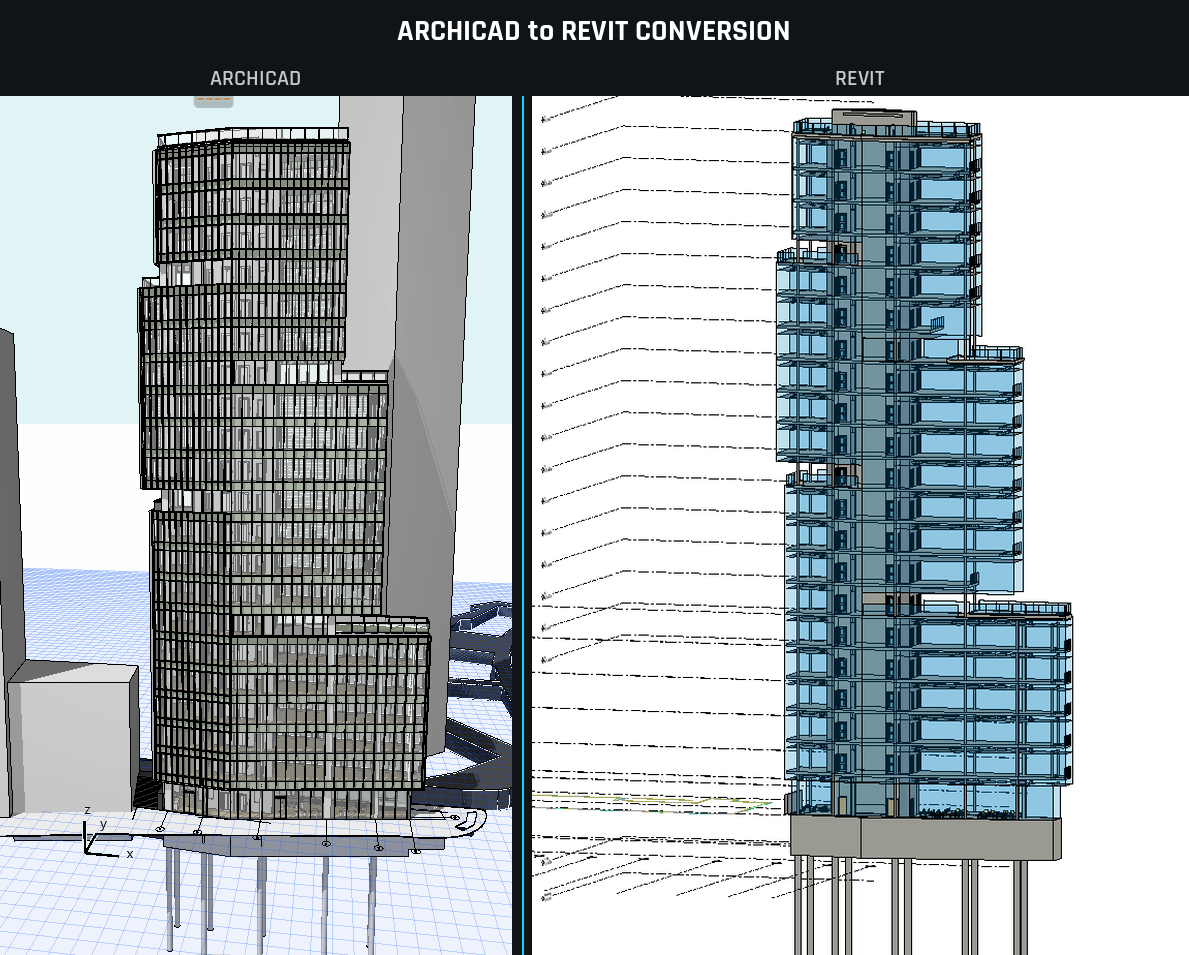
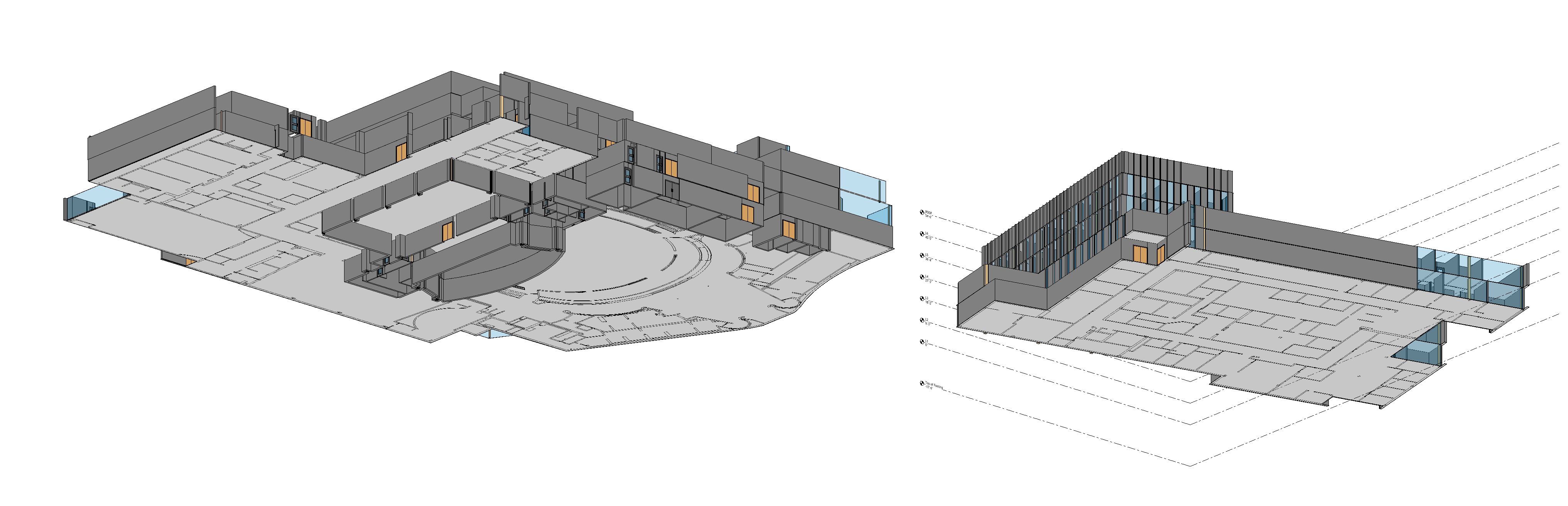
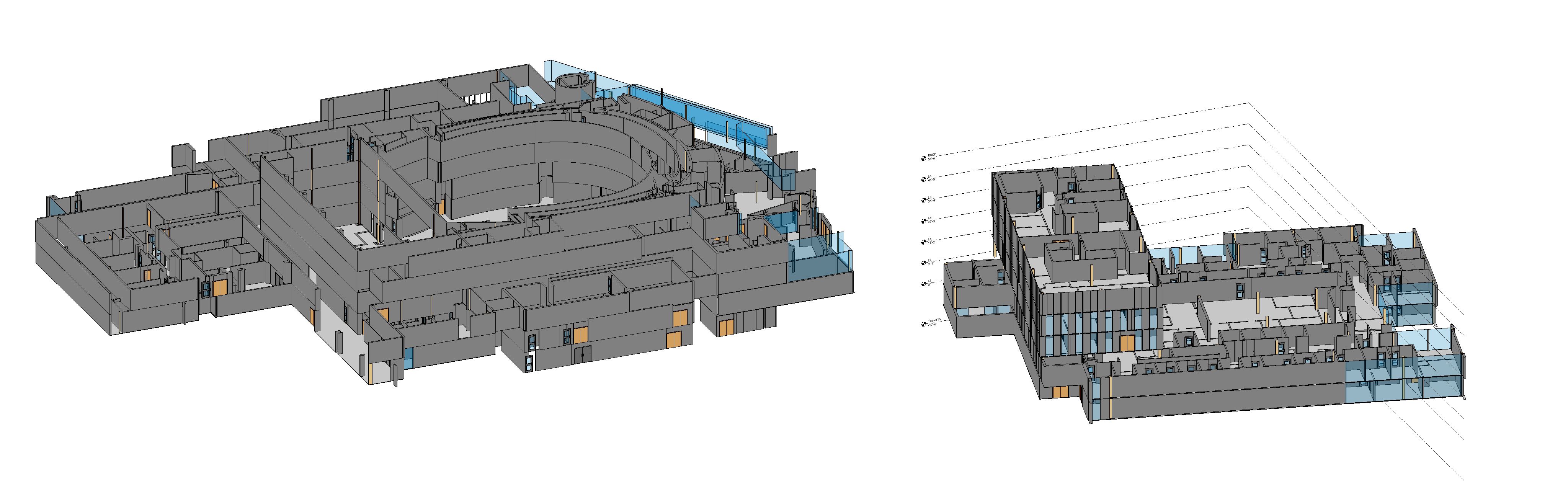
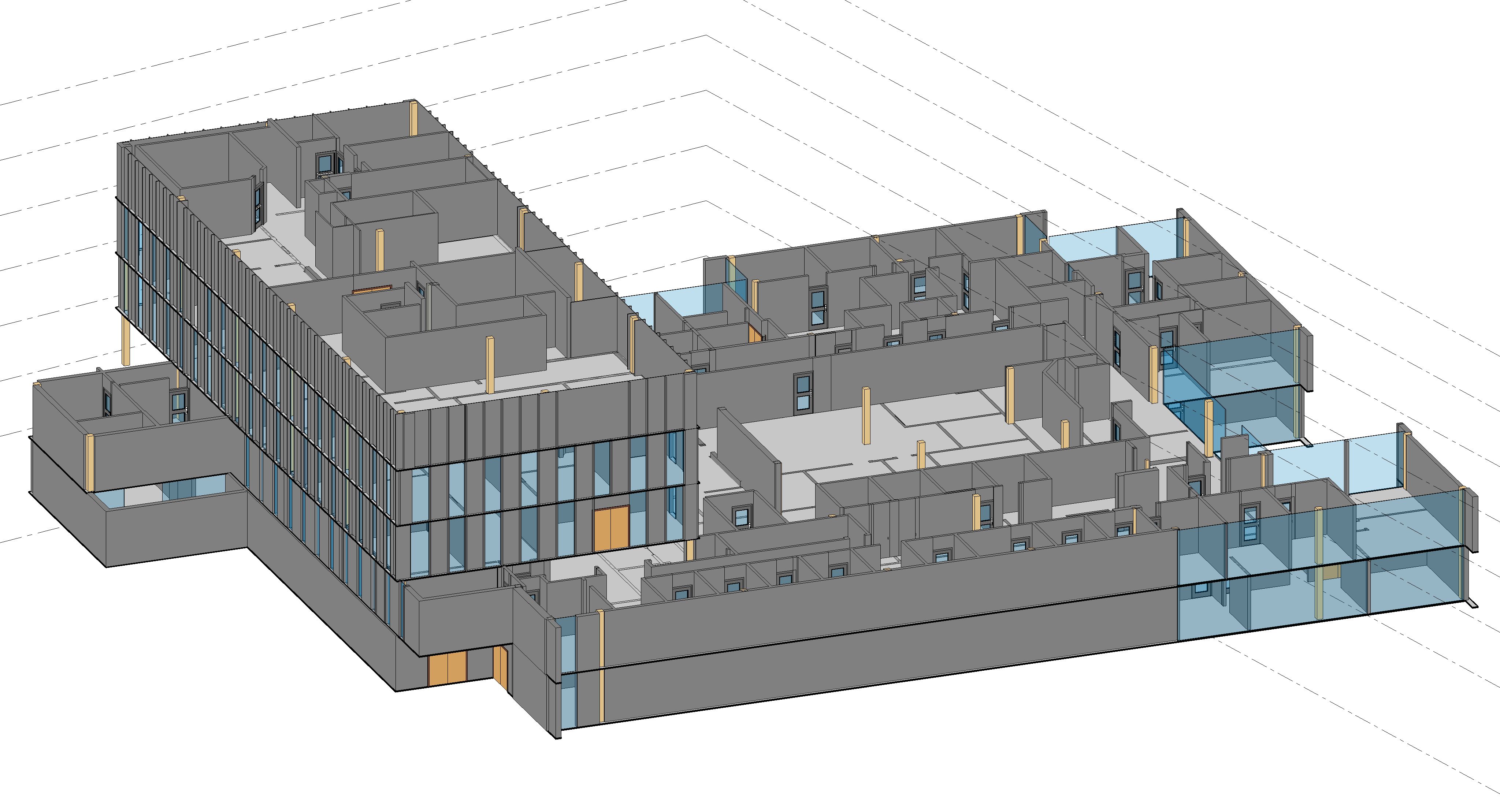
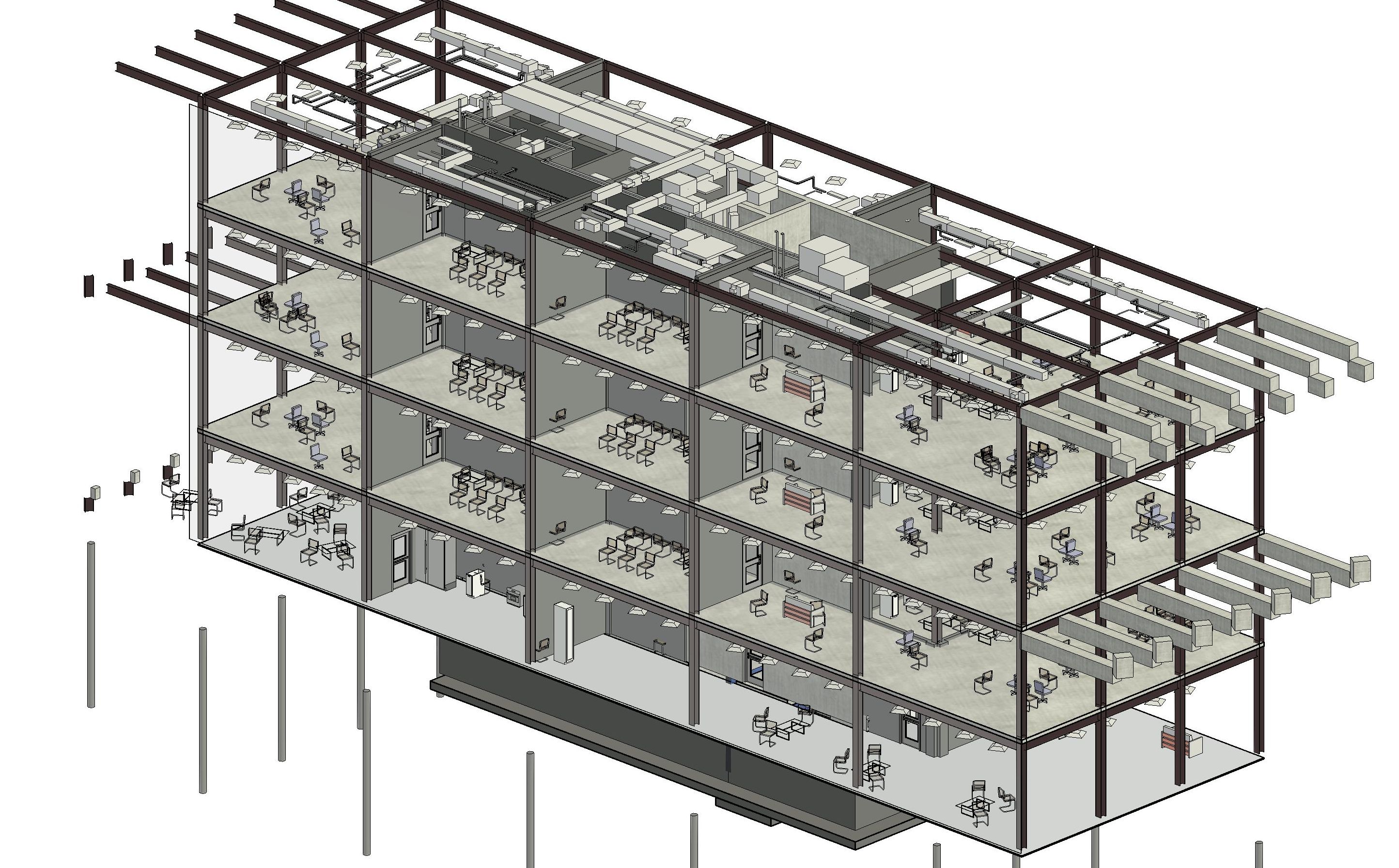
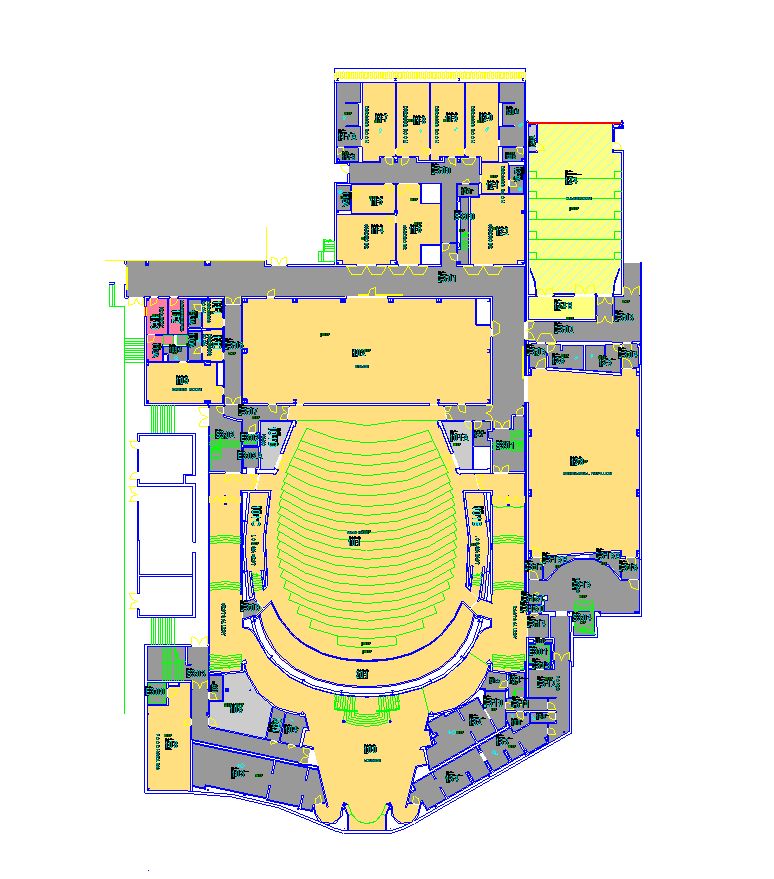
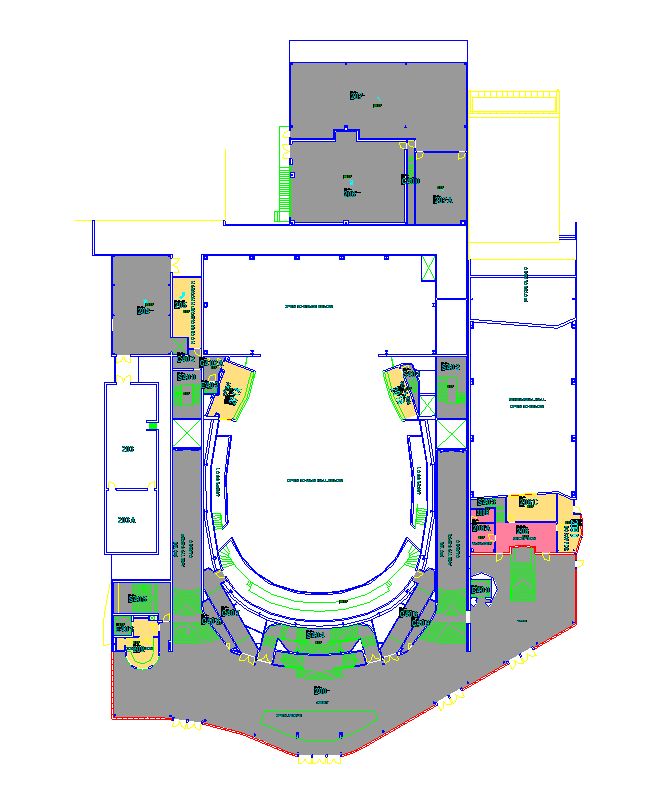
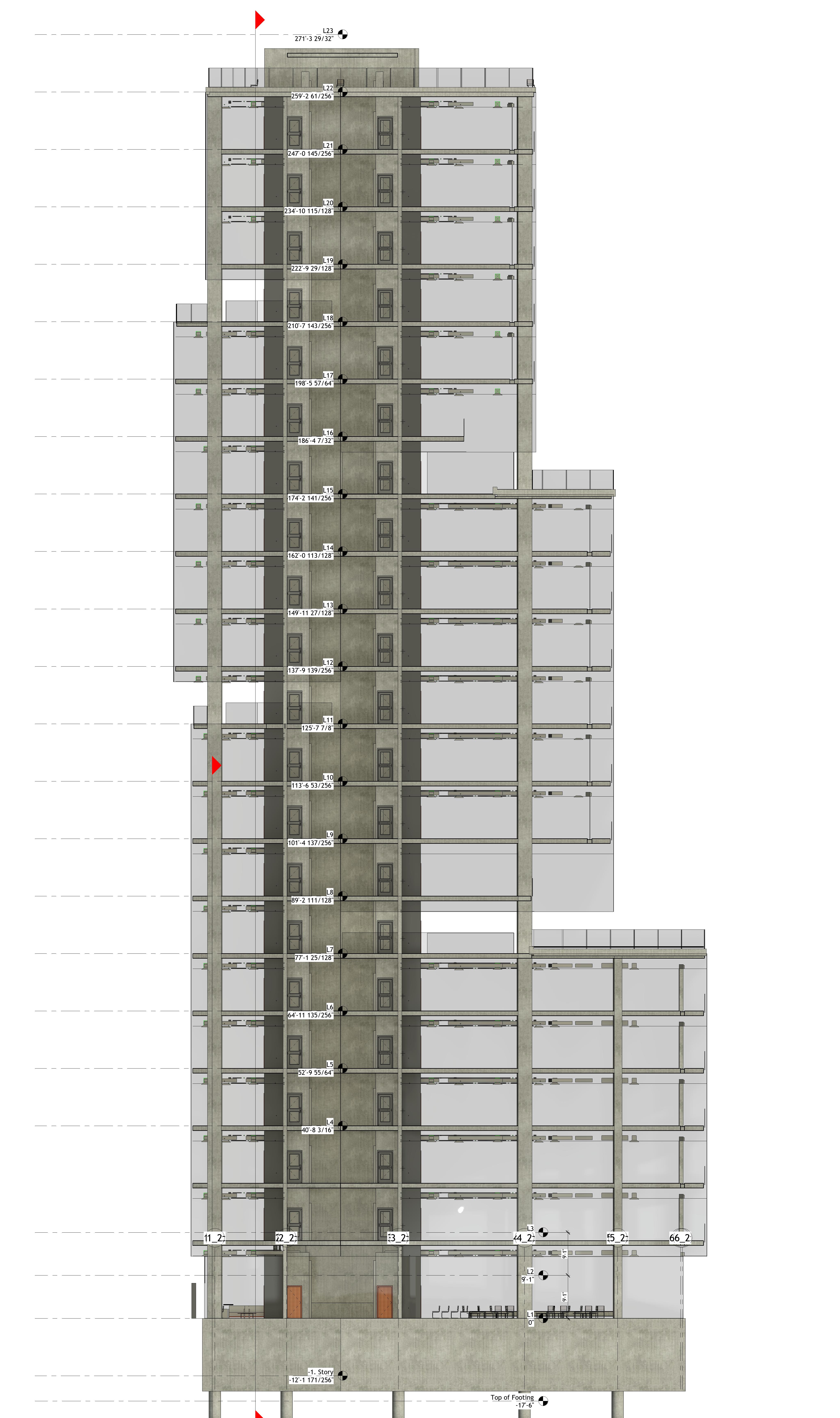
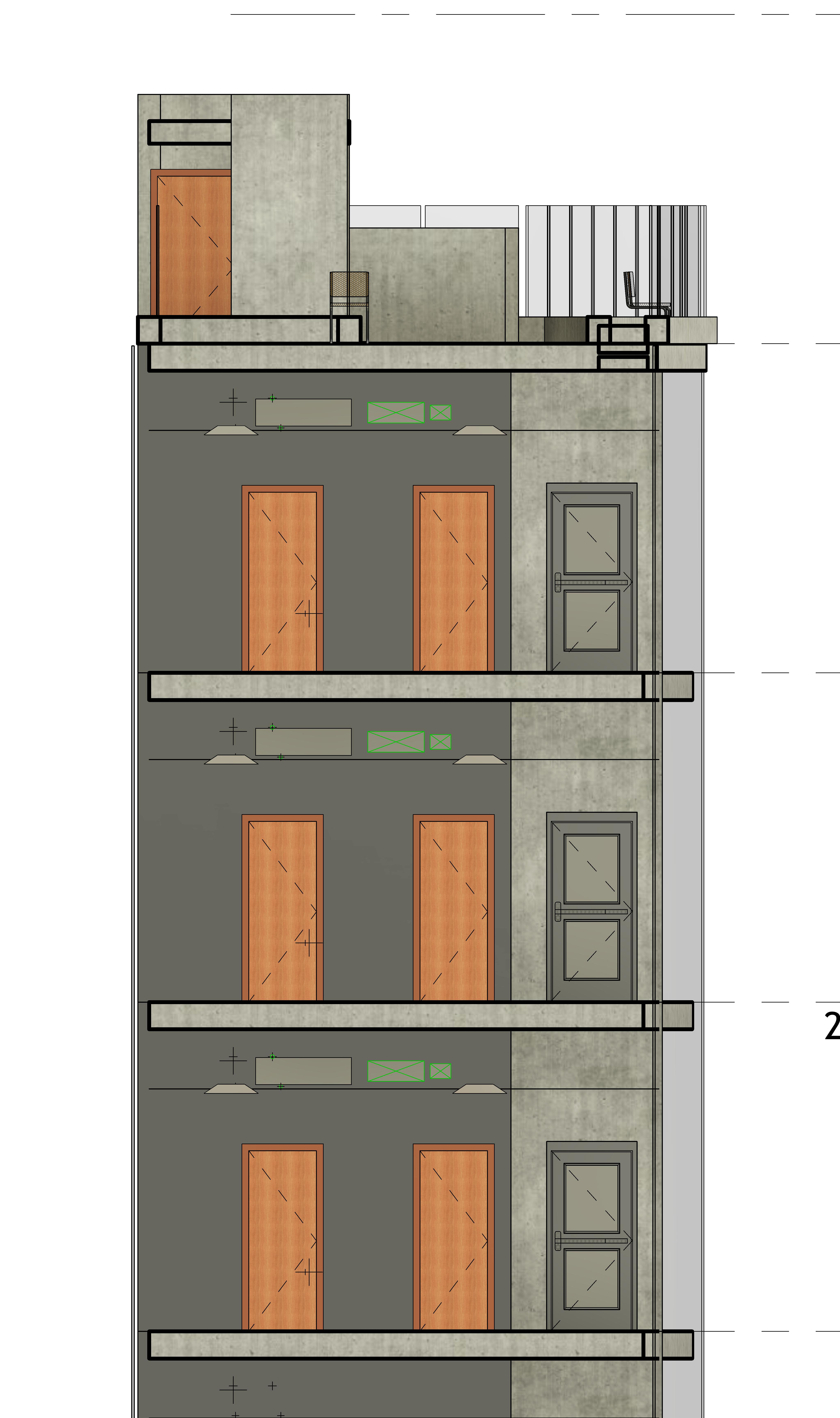
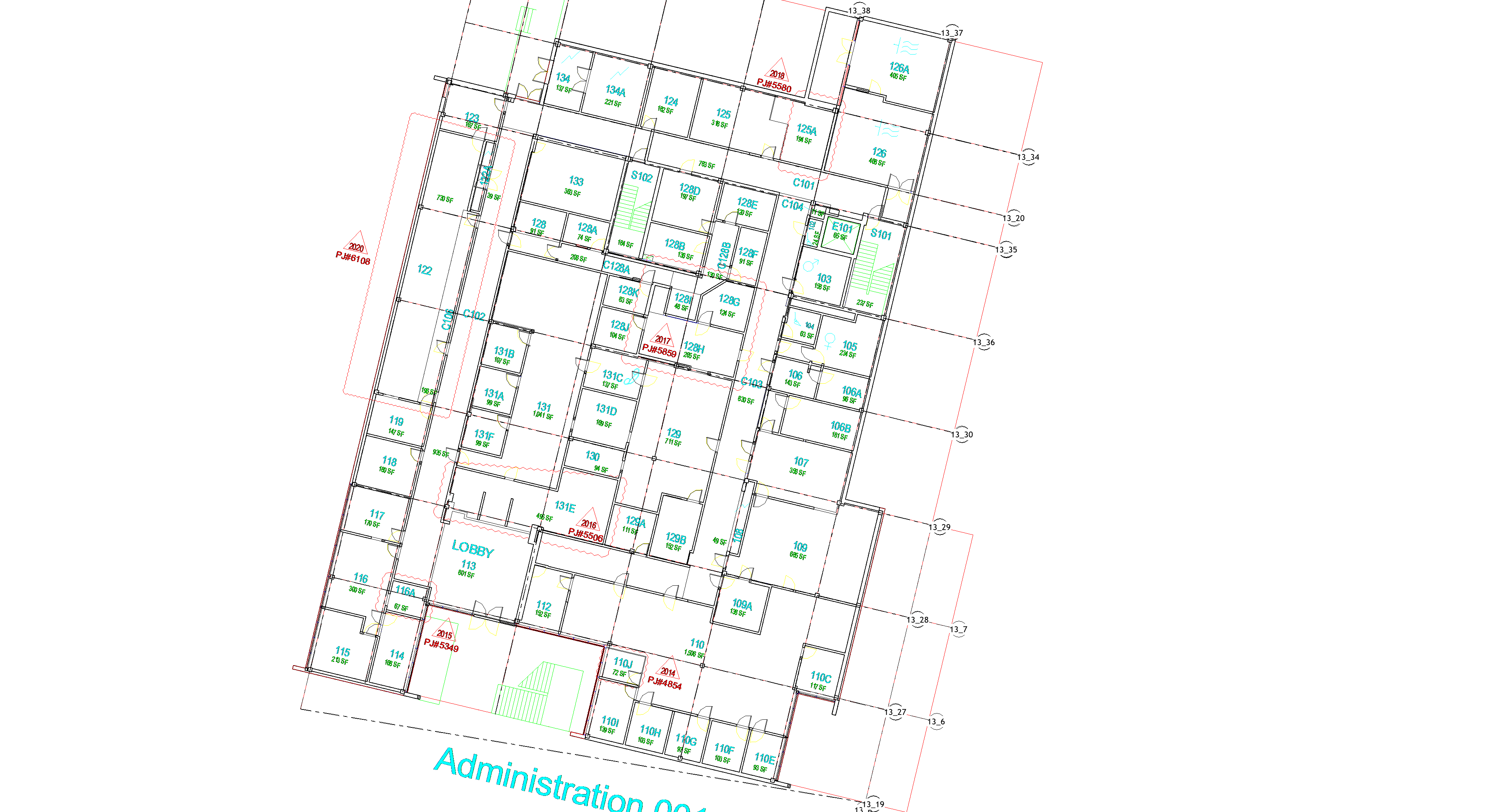
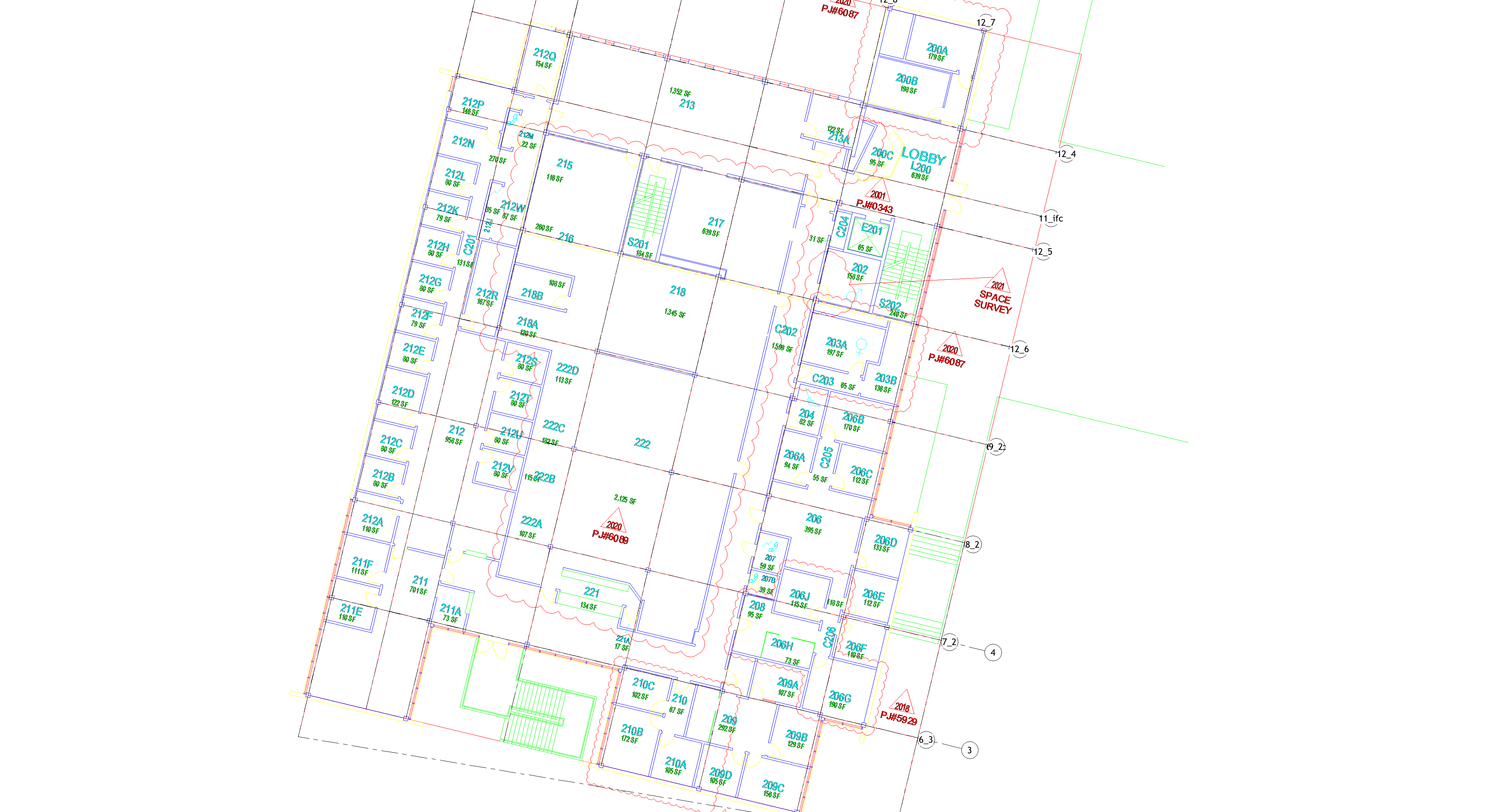
Preferred formats: Archicad IFC and AutoCAD DWG. DWGs are best when layers and levels are clean and consistent. We'll review any IFC/DWG export and confirm fit before processing.
Depends on the scope and complexity. Contact us with your files and we will give you a timeline with your quote.
Stairs, railings, and roofs are still modeled manually. Curved walls are supported.
CAD2BIM automates the high-volume elements—walls, columns, beams, floors, ceilings, doors, windows, grids, foundations, furniture, pipes, ducts, and MEP fixtures—so human time stays focused on complex geometry and edge cases.
Next up: automated MEP pipe routing.
Yes. The type matching system works against whatever families are loaded in your project. Send us your template and we will match to your standards.
No. A standard IFC import gives you uneditable generic objects. Our process creates native Revit elements with correct types, dimensions, and relationships. Walls are walls. Columns are columns. Everything is editable and schedulable.
DWG or IFC. We will scope it and get you a fixed quote.
Get My Free Pilot Project